Your brand, on the video.
Your logo, your headshot and the listing details, burned into the file itself. Not an overlay on our player: it travels with the video wherever you post it.
Your banner, your logo and your headshot go into the file itself, so they travel with the video wherever you post it.
What goes on it
Your logo
Brokerage mark in any corner, or set into the banner itself. You control its size and how strongly it sits on the footage.
Your headshot
Square or circle, any corner, or centered in a seal on the banner’s top edge. Optional, and off until you upload one.
The listing bar
Address, price, beds and baths, an open-house line if you want one, then your name, brokerage and number.
How it works
Three steps, after your clip is made. Try them here: this is the same preview you will use on your own video.
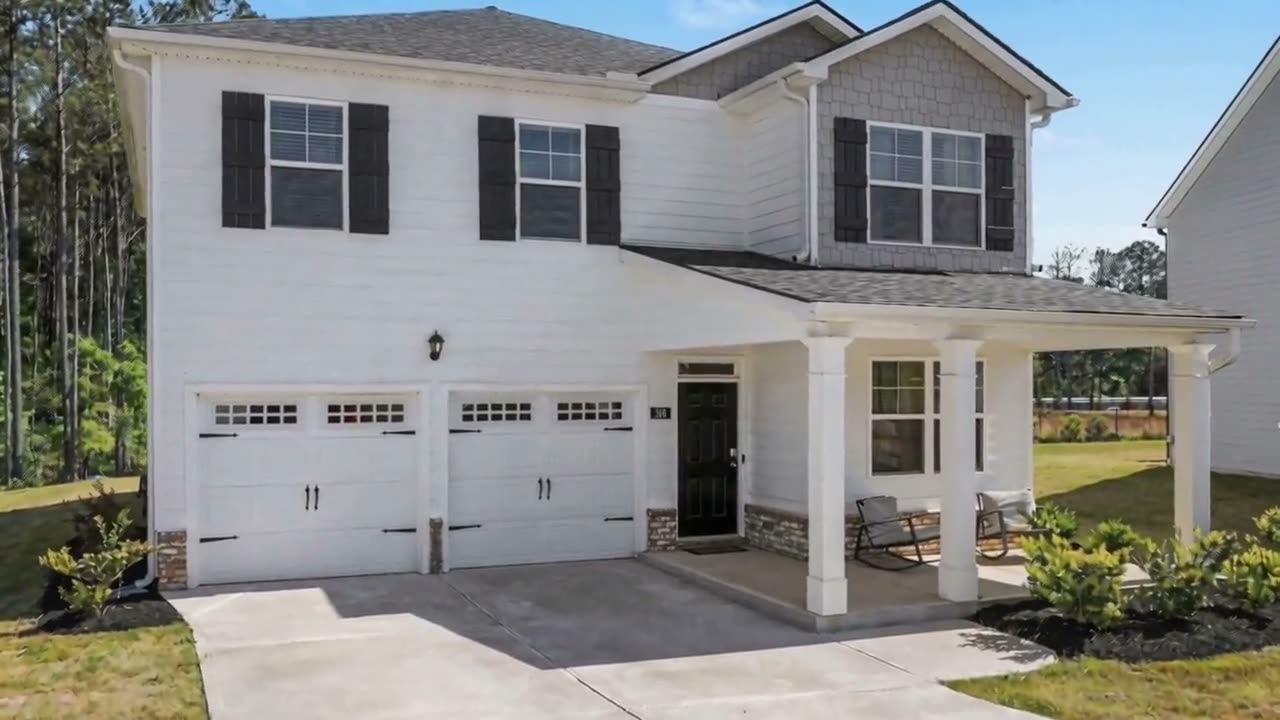
This is exactly how the finished video will look.
Your clip is ready
Your link lands by text and email. Open it and press Add your branding.
Switch on what you want
Then pick a look
Charcoal serif banner with a maroon rule, your headshot in a centered seal
Apply, then download
This is a demo, so it finishes in two seconds. The real one takes a few minutes.
No extra charge, and no limit on changes
Branding is part of the $99. Redo it as many times as you like: a new brokerage, a price drop, a different look for socials than for the MLS.